TubeForge

TubeForge KDP coloring book video creator

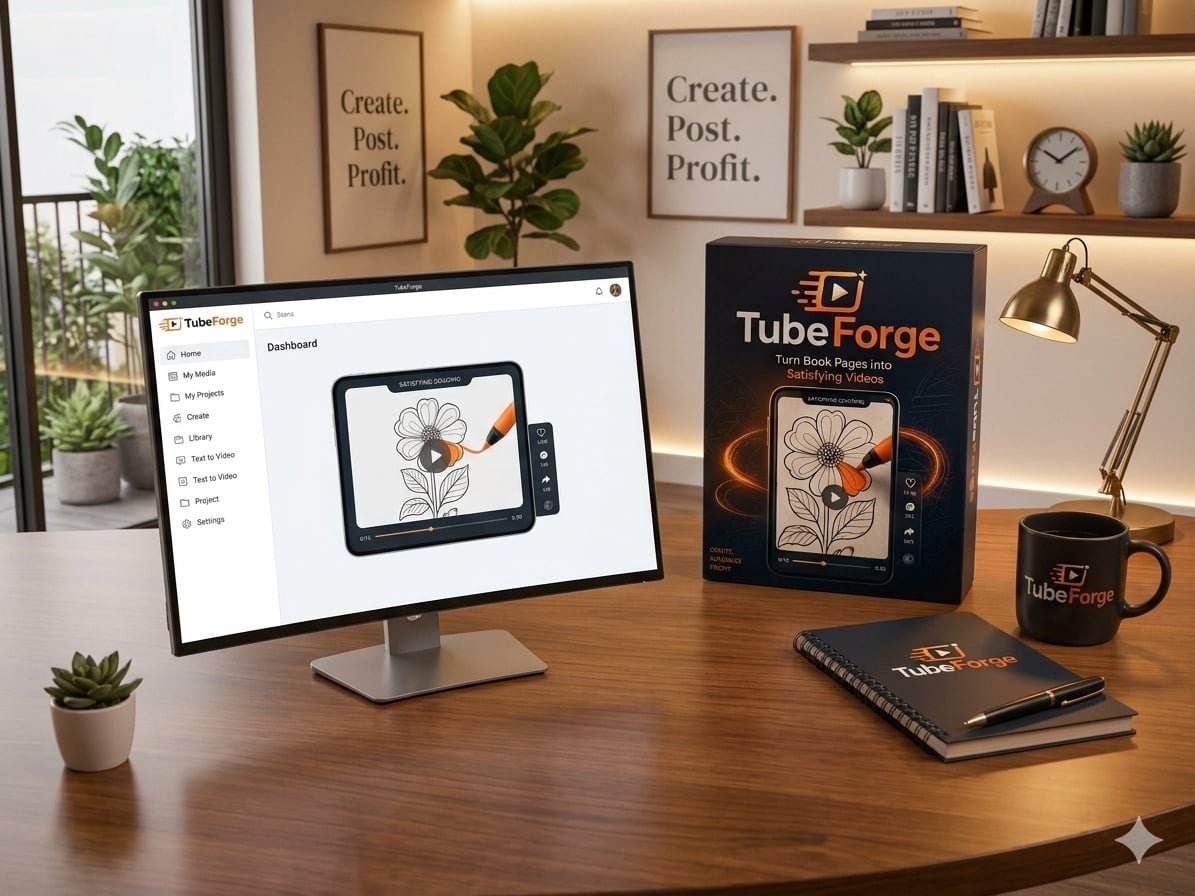
Your KDP coloring-book pages are already created. Now turn them into attention-grabbing short-form videos without filming yourself, recording a voice-over, or learning complicated video-editing software.

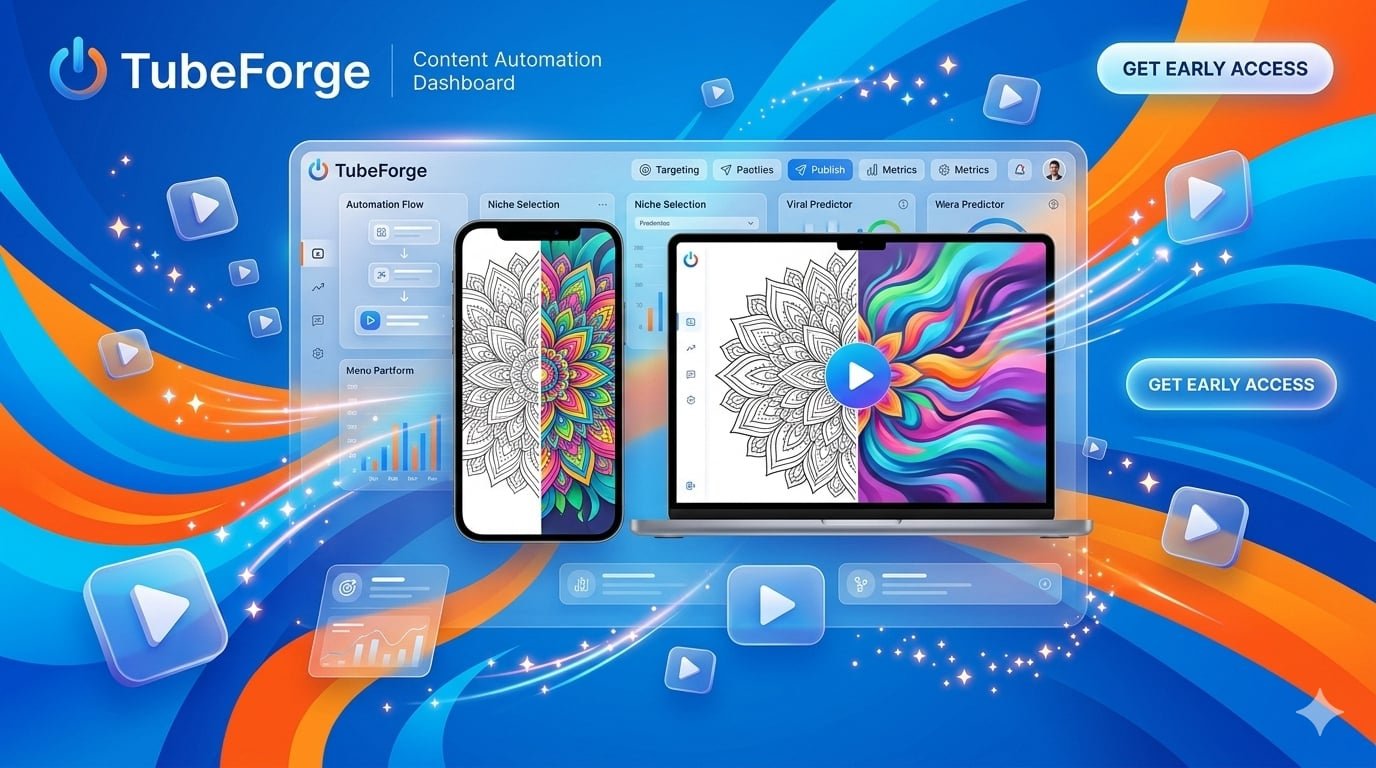
TubeForge animates the real artwork you upload into satisfying vertical videos for YouTube Shorts, Instagram Reels, TikTok and Pinterest. It runs directly in your browser, making it simple to transform your existing book pages into engaging short-form content.

One page can become one more piece of content for your audience.

What Independent Reviewers Are Saying

TubeForge customer review
 Kunal Mehndiratta
“Strongly Recommended for KDP Coloring & Activity Book Publishers”

TubeForge was highlighted as a focused solution for KDP coloring and activity-book publishers. The review praised its simple browser-based workflow and its ability to turn existing book pages into engaging short-form videos without requiring a camera, voice-over, or complicated video-editing skills.

TubeForge customer review
David Williams
“An Easy Way to Promote Coloring Books With Video”

TubeForge makes it easy to repurpose existing coloring, activity, and puzzle-book pages into vertical videos for platforms like YouTube Shorts, TikTok, Instagram Reels, and Pinterest. The review particularly highlighted its straightforward workflow and the ability to use the creator’s original artwork.

TubeForge customer review
TechViews72
“A Practical Way to Repurpose Existing Artwork”

TubeForge was reviewed as a practical option for KDP coloring-book publishers who want to turn their existing artwork into fresh short-form promotional content. The review highlighted its focused workflow, animation templates, camera movements, hooks, and ability to transform static pages into engaging vertical videos.

  What Is TubeForge?

TubeForge KDP coloring book video creator

TubeForge is a browser-based tool built specifically for KDP coloring-book publishers. It takes the pages you already created and turns them into satisfying vertical videos designed for short-form platforms.

The key difference is that TubeForge does not redraw or reimagine your artwork. It animates the real page you provide, so your linework stays yours.

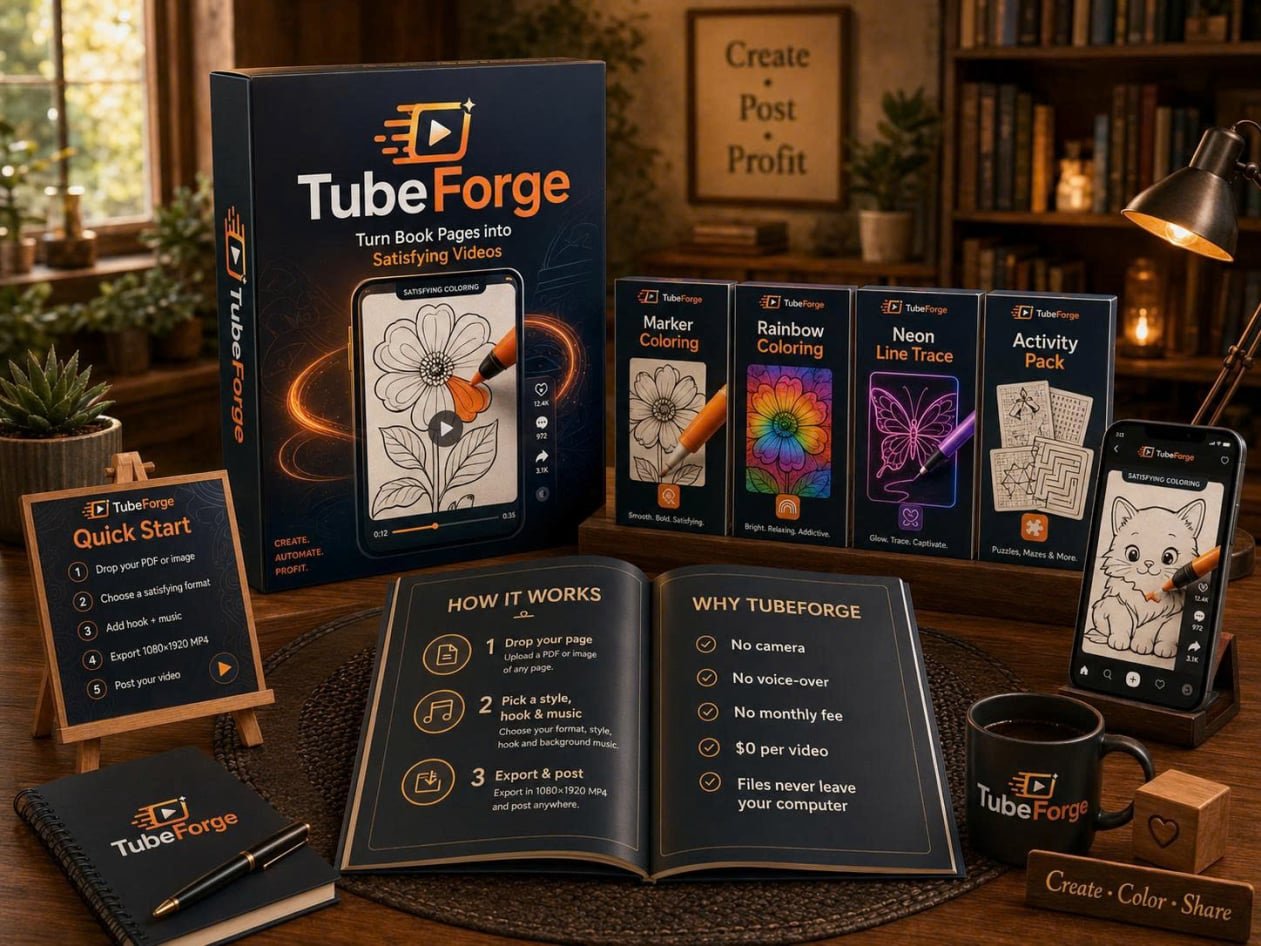
You can import a whole PDF or individual images, select a satisfying process template, add a hook and camera movement, choose a music mood, and export an HD vertical video.

Everything runs in your browser, with rendering performed on your computer. There is nothing to install, and your files never leave your PC.

How Does TubeForge Work?

TubeForge keeps the workflow simple. If you can drag a file into a browser, you can make your first video.

Step 1: Drop Your Page
Upload a whole PDF or individual PNG/JPG images. A PDF is automatically split into individual pages, and  rendering happens on your computer.

Step 2: Pick a Style, Hook & Music
Choose one of the included satisfying process templates, select a hook, pick a camera move and choose a music mood.

Step 3: Export & Post
Export a 1080×1920 HD video, then manually post it to YouTube Shorts, Instagram Reels, TikTok or Pinterest. TubeForge does not automatically post to your social accounts.

About the Creator of TubeForge

TubeForge was created by Thu Thao, the maker behind Nova AI Platform. The product is built around one focused use case: helping KDP coloring-book publishers turn existing pages into short-form video content.

The product takes a deliberately simple approach. Instead of generating a new version of your artwork with AI, TubeForge animates the actual page you provide. The vendor also states that the app runs in the browser and that files never leave your computer.

TubeForge is designed for creators who want a practical way to make more content from work they have already produced—without a camera, voice-over, or traditional video-editing workflow.

Key Features and Benefits of TubeForge

TubeForge packs a focused set of video-creation tools into a browser-based workflow. The features are below :

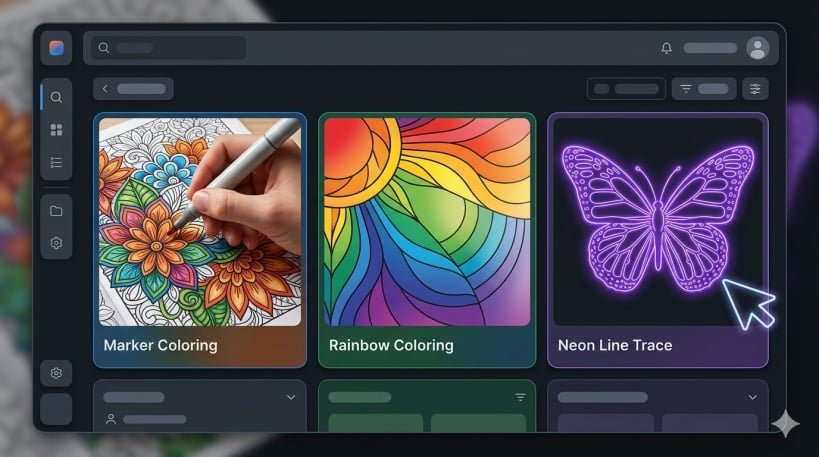
  • 3 Satisfying Process Templates: Marker Coloring, Rainbow Coloring and Neon Line Trace are included in the front-end app.
  • 4 Camera Moves: Choose Follow, wide, slow push-in or snap to add subtle movement to the video.
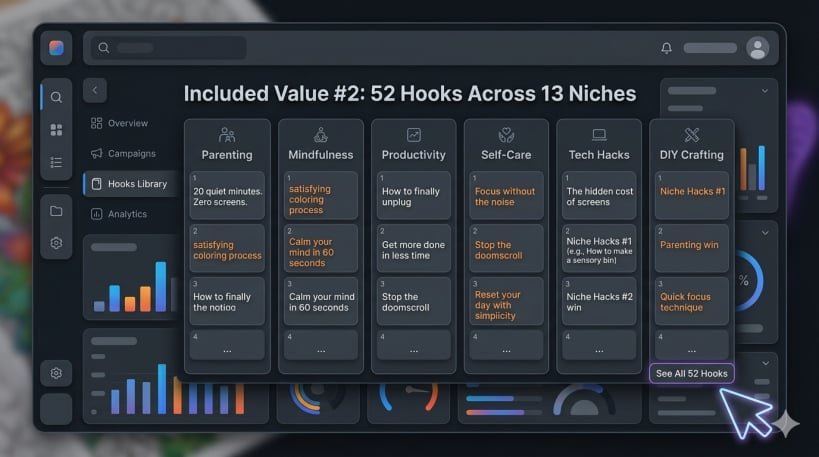
  • 52 Viral Hooks Across 13 Niches: Use built-in top-text hooks instead of starting every video from a blank caption.
  • Pattern-Interrupt Opener: Optionally show the finished artwork first, then rewind into the coloring process.
  • Copyright-Free Music & ASMR Sound: The current offer includes music moods and satisfying process sounds.
  • Whole-PDF Import: Upload a whole book PDF and TubeForge automatically splits it into pages.
  • HD 1080×1920 MP4 Export: Create vertical HD videos without a watermark for short-form platforms.
  • 100% In Your Browser: No installation is required, and the vendor states that your artwork never leaves your computer.
  • 50 Front-End Video Renders: The $17 front-end includes a one-time allowance of 50 renders; it does not refill monthly.
  • Future Front-End Updates: Future updates to the front-end app are included according to the current offer.

READY TO TURN YOUR STATIC PAGES INTO SHORT-FORM CONTENT?

Get More Included Value With TubeForge

Included Value #1: 3 Satisfying Process Templates

Choose from Marker Coloring, Rainbow Coloring and Neon Line Trace. Each format is designed to turn your existing page artwork into a satisfying vertical process video without traditional video editing.

TubeForge KDP coloring book video creator
Included Value #2: 52 Hooks Across 13 Niches

TubeForge includes 52 built-in top-text hooks covering 13 niches, giving you ready-made starting points for short-form content instead of making every hook from scratch.

TubeForge KDP coloring book video creator

Pros and Cons Of TubeForge

Pros

Simple browser workflow – Upload a PDF or image, choose a few options and export.

No camera or voice-over – Built for faceless short-form content.

No AI redraws – TubeForge animates your actual artwork instead of reimagining it.

$0 per video after purchase – The front-end is a one-time $17 purchase with 50 included renders.

HD vertical export – 1080×1920 MP4 output with no watermark.

Private browser rendering – Files never leave your computer.

Cons

The front-end is capped at 50 renders; it does not refill monthly.

It is designed primarily for coloring/activity/puzzle-style pages, so it is not the right fit for text-only books.

Social posting is manual—you export the video and post it yourself.

Why You Should Choose TubeForge

TubeForge focuses on one problem: your KDP pages are already made, but they are static. Instead of asking you to learn a full video-editing workflow, it gives you a simple browser-based way to turn those pages into satisfying short videos.

You do not need to be on camera or record a voice-over. You also do not need to let an AI model redraw your artwork. TubeForge animates the real page you provide.

There are no guaranteed views, sales or income results. TubeForge is a content-creation tool; the outcome still depends on your books, your audience, your posting and each platform’s rules.

READY TO TURN YOUR STATIC PAGES INTO SHORT-FORM CONTENT?

30-Day Money-Back Guarantee

TubeForge

Your TubeForge purchase is covered by a 30-day money-back guarantee according to the current vendor sales page.

You have 30 days from the original purchase to decide whether TubeForge is right for you. If it is not, the vendor states that you can request a refund within that period.

TubeForge 30-day money-back guarantee

Who Is TubeForge For?

TubeForge is best suited to creators who already have visual book pages and want to repurpose them into short-form video content.
1. KDP Coloring-Book Publishers – Turn existing coloring pages into satisfying videos for social platforms.

2. Activity & Puzzle Book Creators – Use supported page types to create additional short-form content.

3. Faceless Content Creators – Create videos without appearing on camera or recording a voice-over.

4. Print-on-Demand & Digital Sellers – Repurpose original line-art pages into promotional content.

5. Publishers With Existing Catalogs – Use multiple pages from books you already created as a repeatable content source.

6. Beginners Who Want Simple Video Creation – Use a browser-based workflow rather than learning a full editing application.

Frequently Asked Questions

No. TubeForge runs in your web browser, so there is nothing to install or download.

No. You upload a page, choose a few options and let the app handle the animation, timing, sound and export.

No. TubeForge is designed for faceless content, with no filming and no voice-over required.

No. TubeForge animates the real page you upload; it does not redraw or reimagine your linework.

The $17 front-end includes 50 video renders. The allowance is one-time and does not refill each month.

Try TubeForge risk-free for 30 days. If it isn't right for you, a full refund can be requested within 30 days—no explanation or proof required. The guarantee covers the app and all upgrades. If you need  help,Email thuthao07082002@gmail.com any time. 

TubeForge KDP coloring book video creator

Create More Content Without Creating More Artwork

Your KDP pages are already created. TubeForge helps turn those existing pages into engaging vertical videos for YouTube Shorts, Instagram Reels, TikTok, and Pinterest—so more content can be created without designing new artwork from scratch.

One book. More content. More opportunities to reach your audience.

Give Your Existing Pages a Second Life

You’ve already done the hard work of creating your books. TubeForge helps you turn those finished pages into engaging short-form videos that can be shared across today’s biggest social platforms.

More content from the artwork you already have.

Have Questions?
Email : thuthao07082002@gmail.com 

Your Book Pages Are Already Made. Now Put Them To Work.

TubeForge KDP coloring book video creator

One-Time Payment — $17

© Copyright 2026 itemslab.com. All Rights Reserved.

Mobirise Website Builder

‌

Free AI Website Creator